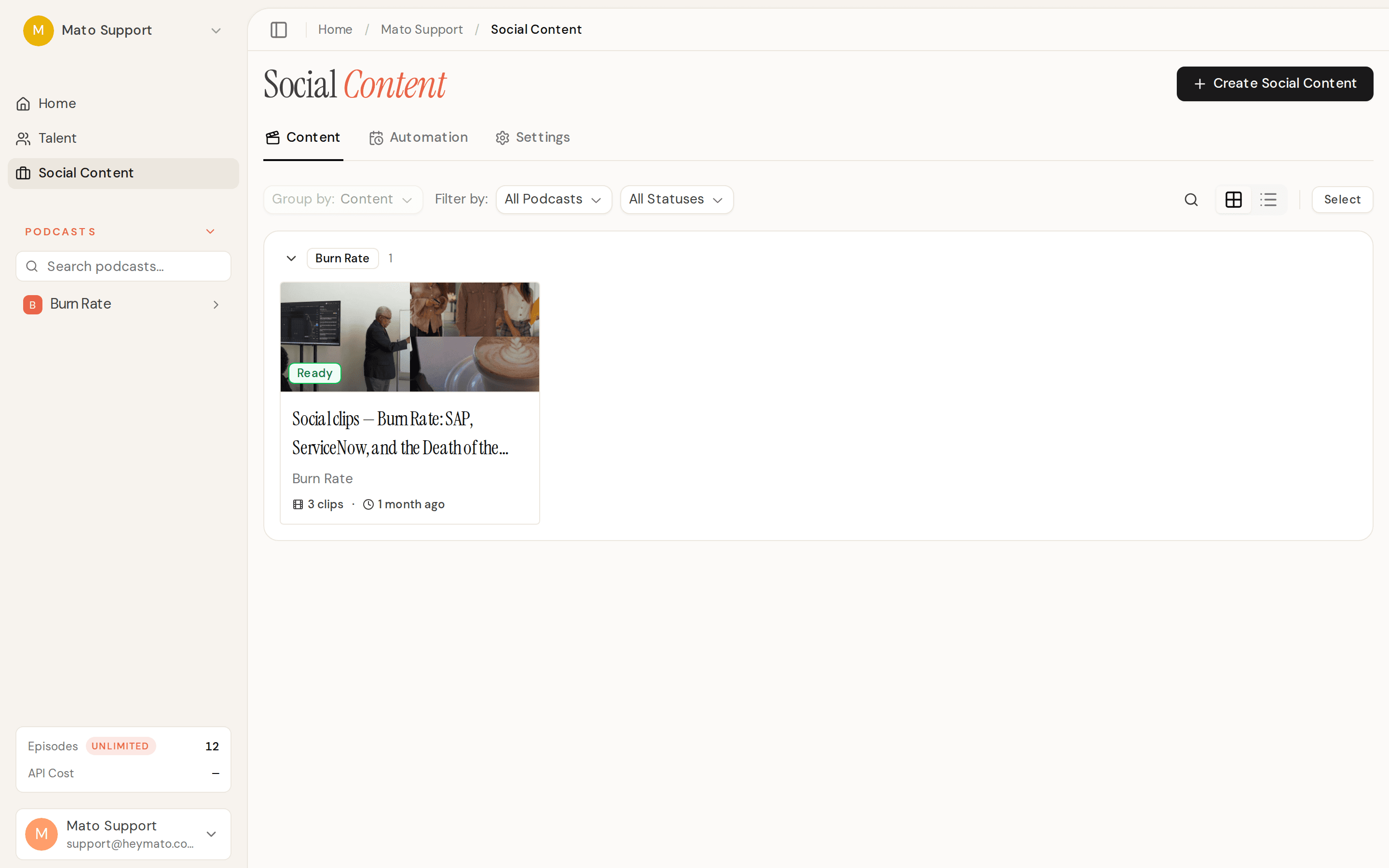
Three things that matter this week: your social clips can now feature an animated talking-head AI host, the co-host sounds and behaves like a real person, and clip management finally has the basics covered. Here's what shipped.
New features
AI Presenter clips
Social clips gained a new template called AI Presenter. Instead of b-roll footage or static images, these clips show a full-frame animated host speaking your script directly to camera. The host's lip movements are synced to their voice, karaoke-style captions scroll along the bottom, and a branded lower-third bar shows the host name, show title, and topic. The template uses WaveSpeed to generate the talking-head video, and it activates automatically when AI Video Clips is enabled for your podcast. You can also pick AI Presenter manually in the template step of the Social Content creation wizard.
Per-clip delete and batch Select mode
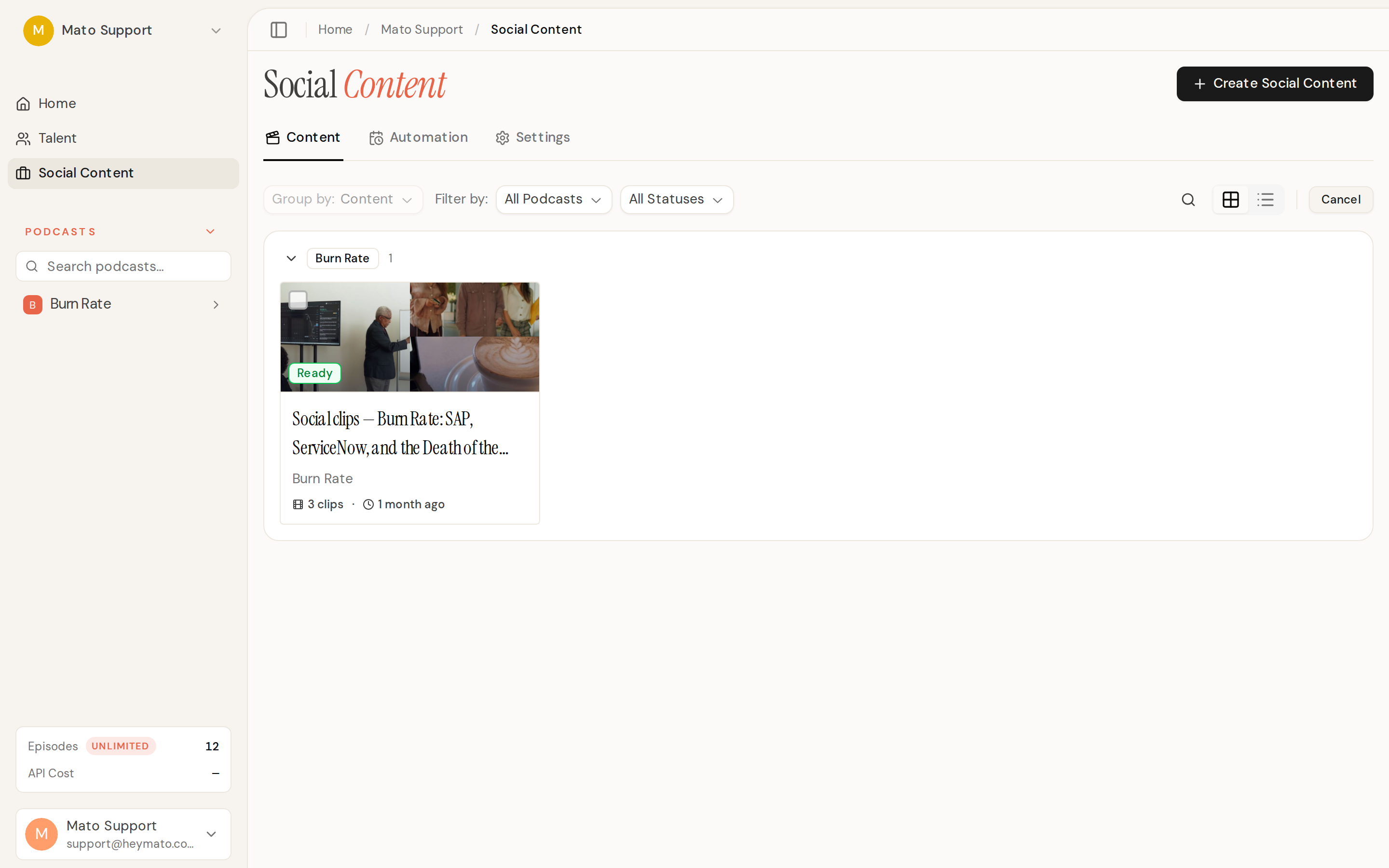
You can now delete individual clips from inside a batch. Open the clip's context menu, hit Delete, confirm, and it's gone. On the batch list page, a Select button in the toolbar toggles selection mode. Cards get checkboxes, clicks toggle selection instead of opening the batch, and a Delete button in the toolbar handles bulk removal. Both flows that were previously either disabled or missing are now fully wired, including the database permissions needed to make them work.
Portrait variety across clips
When AI Video Clips generates a batch, each clip now gets a different host portrait. The system rotates across your configured scene types (podcast mic, casual chair, desk studio, standing presenter) and their variations based on clip position. Split-screen interview lead-ins stay locked to the podcast mic scene but still cycle through its variations. The rotation is deterministic by clip position, so Inngest replays produce identical selections.
Interview split-screen clips are now reachable
The interview split-screen format, where an AI host avatar speaks a lead-in at the top while the guest answers below, was fully built but never selectable. It's now available in the Social Content wizard as a template option when generating clips from an interview episode.
Improvements
Co-host voice and behavior overhaul
The AI co-host went through multiple rounds of fixes this week, and the result is a night-and-day difference.
Voice quality: the co-host now uses workspace-valid default voices with tuning that matches the Mato primer (stability, similarity boost, and speed dialed in correctly). Previously, a missing voice ID meant the co-host used ElevenLabs' generic default voice for the entire session.
Transitions: segment transitions now fire immediately when the producer decides to move. The old arm-and-detect system required the agent's next turns to clear a 60-second TTL plus turn gates it was never prompted to satisfy, which meant segments often got stuck. The new commit-first approach advances the tracker, updates the UI, and tells the co-host "we've moved into the next topic" as a fact rather than a suggestion.
Prompts: the co-host prompt was cut significantly. A hard brevity rule keeps responses to a few sentences. The opener now hooks into a specific angle from the episode's talking points instead of opening with a generic welcome. And the co-host treats the creator as a peer sharing the desk, not as a guest being interviewed.

AI Video Clips settings and portrait gallery
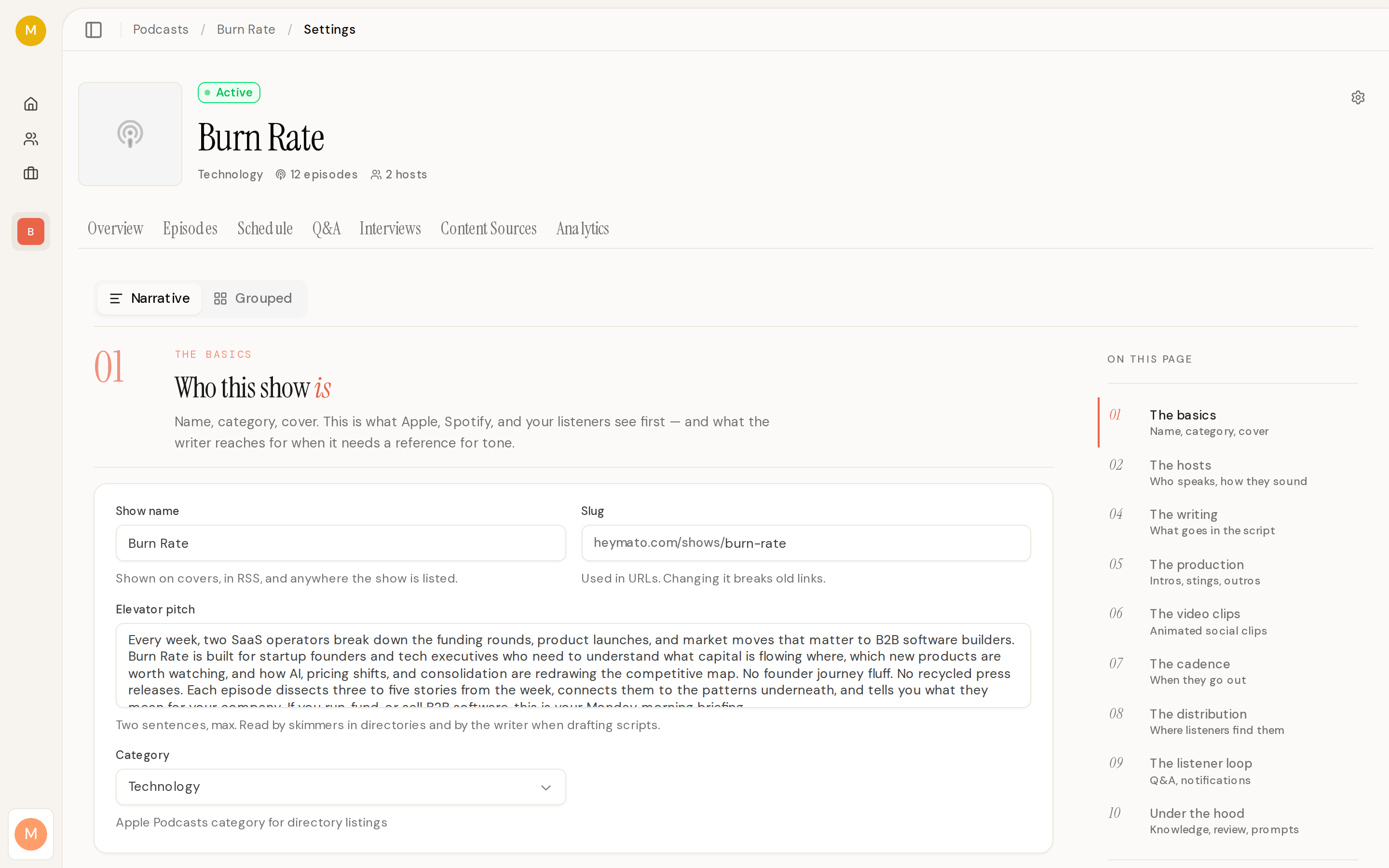
The podcast settings page now has a dedicated AI Video Clips section. You can enable the feature, pick your scene types, generate portraits, and see a gallery of the results. A progress bar tracks portrait generation, and status badges show whether setup is idle, generating, ready, or failed. A discovery nudge on the Social Content page links directly to this settings section for podcasts that haven't enabled the feature yet.
Upgraded to Claude Sonnet 5
All AI generation now runs on Claude Sonnet 5. Legacy Sonnet model references are automatically normalized so existing saved settings and environment overrides resolve to the new model. Cost metadata has been updated to reflect Anthropic's current pricing.
Audio processing moved to Modal in production
Three audio operations (clip duration capping, avatar audio taming, and host video compression) were using local FFmpeg, which doesn't exist on Vercel. Clip capping and audio taming now run through Modal's audio processor. For oversized host videos where Modal has no video endpoint yet, the system fails fast with a clear error message instead of storing an unrenderably large file that breaks the render downstream.
Bug fixes
Fixed a crash in scheduled episode generation where the outline step ran out of output tokens. The AI SDK's default 4096-token cap was too small for detailed outlines, especially when web search consumed part of the budget. All four episode generators now pass an explicit 16k token cap, and the outline generator gained a recovery path that retries without search when a search-heavy run produces nothing usable.
Fixed co-host assembly stitching creator audio from the wrong part of the recording. Pauses, off-record spans, and green-room idle time shifted later audio windows onto the wrong content. The assembly pipeline now tracks actual recorder-clock time instead of wall-clock time, and addresses creator audio via prefix sums of real chunk durations.
Fixed interview regeneration dropping guest audio when one transcript turn spans multiple recording regions. Adjacent detected speech regions now merge correctly, and each remaining subject turn reserves one speech region so the mapping stays sequential.
Tightened interview clip boundary silence trimming from -45 dB to -35 dB, which recovers previously-missed guest answers near segment boundaries.
Fixed the co-host's ElevenLabs protocol sending an invalid end_of_conversation message type. The session now closes with a standard WebSocket code-1000 close instead.
Fixed the CI code review bot silently failing to post comments by correcting its pull-request permission from read to write.