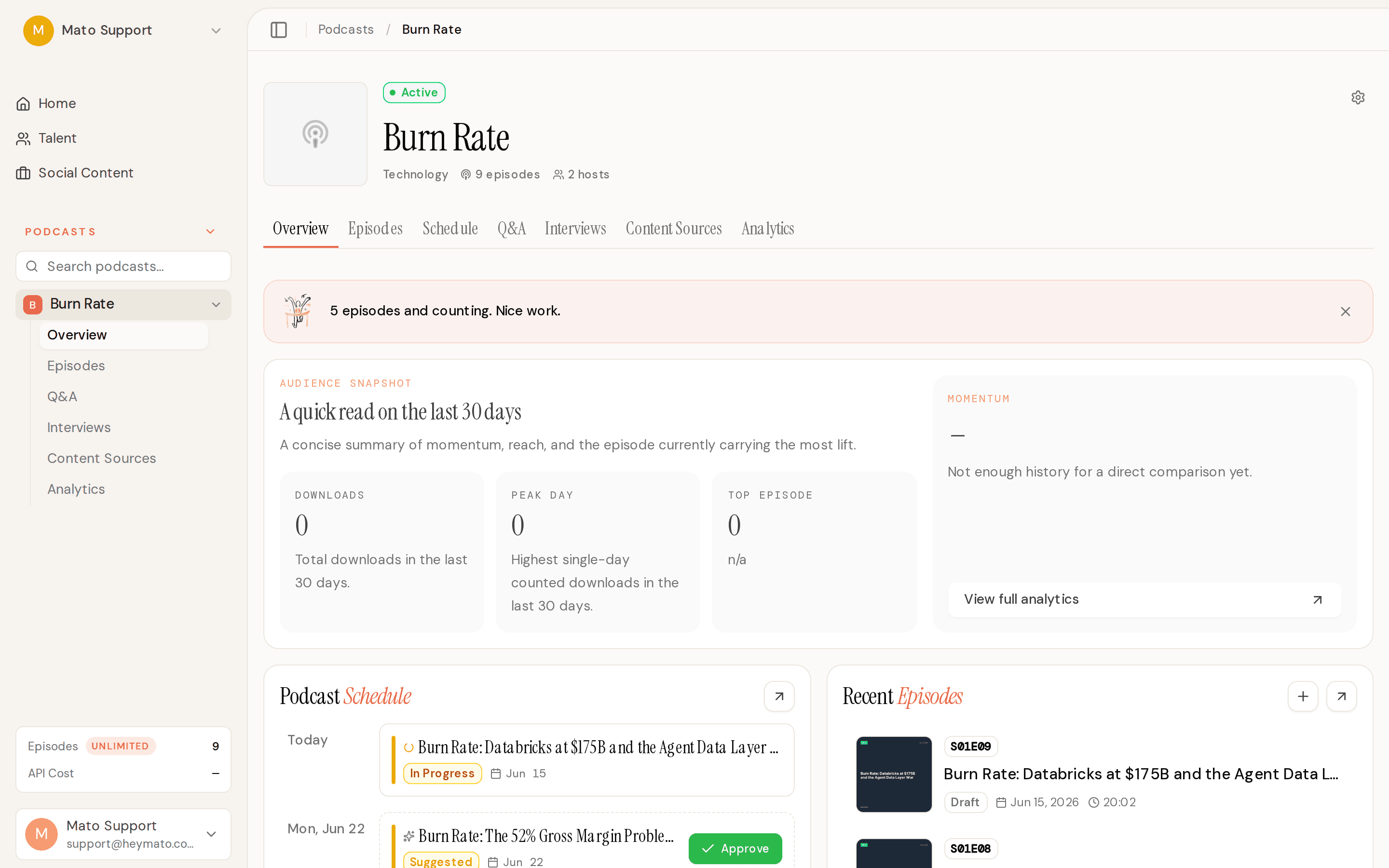
The AI co-host went from a mode picker to a full recording studio this week. You can now prep a rundown with AI research, check your mic in the green room, warm up with your co-host, and record a live episode together. On the social content side, the editor got a complete rebuild with timed script editing, B-roll swapping, and AI rewrite. And generated episode scripts now run through a humanizer that catches the rhetorical patterns that make AI dialogue sound like AI dialogue.
New features
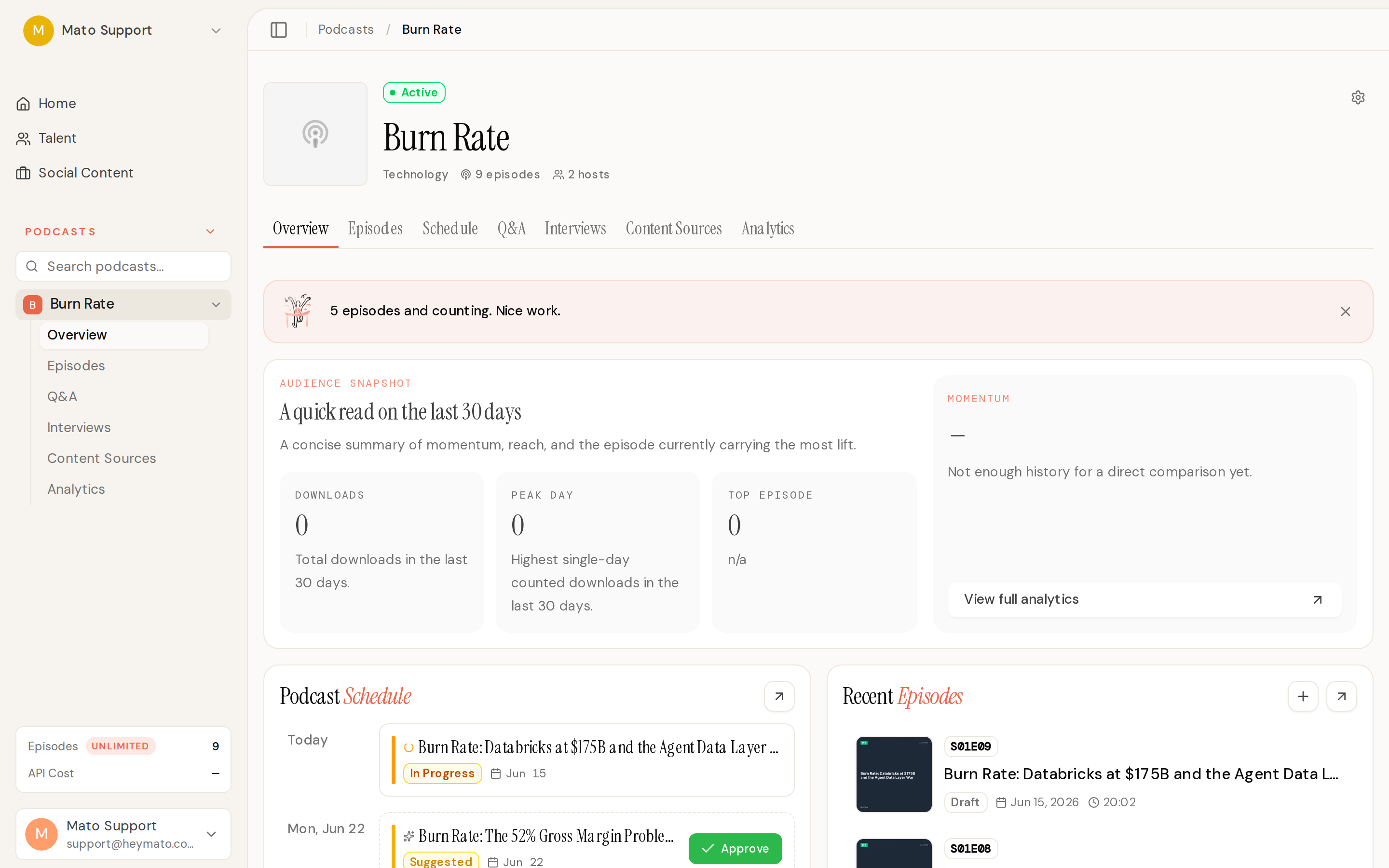
The AI co-host recording flow is live. When you open Generate Episode on a co-host-enabled podcast, you pick between Generate (the existing AI suggestions flow) and Record. Record mode opens a topic selection screen with suggestion cards on the left and episode config on the right. Pick a topic and hit "Prep & Record" to enter the Script Desk.
The Script Desk is where you review and edit the rundown before recording. AI drafts a set of segments from your topic, and you can reorder them by dragging, edit talking points and intent, mark segments as must-cover, and adjust estimated durations. Two new toolbar actions landed this week: "Enhance with AI" rewrites talking points and intent without changing segment structure, and "Research Sources" runs web searches and attaches cited sources to each segment with editorial tags like "Fresh this week" or "Callback, Ep 6".
From the Script Desk, you proceed to the Green Room for device setup (mic test with a voice-check recording, camera preview, permission handling), then into a warmup phase where you chat with the co-host before the episode starts rolling. The live record room has active-speaker tiles, a rundown segment tracker with a talking-point checklist, a live transcript with chapter breaks, and a control dock with mute, off-record, mark-moment, and segment navigation controls.
The social content editor got a ground-up rebuild. Content is now edited through a timed script editor where each line shows its voiceover time range. Two edit lanes let you choose between fixing captions (instant, no regeneration needed) and rewriting voice (triggers TTS regeneration). A "caption does not match voice" indicator shows when they diverge, with the original spoken text on hover. You can also ask AI to rewrite individual segments or the whole video script. The Visuals tab lets you swap B-roll by searching stock footage or uploading from your own asset library. Style presets save your preferred look so you can apply it across clips with one click. And a new automation settings section lets you configure automatic clip generation when episodes publish, with options for clip count, templates, durations, channels, scheduling, and review mode.
Conversation Mode for interviews is now the default for all accounts. Previously it was gated behind a per-account beta flag. The old Guided Q&A option is still available but marked as Legacy.
Improvements
Generated episode scripts now sound more natural. A new set of spoken-dialogue writing guidelines targets the rhetorical patterns that make AI scripts recognizable: contrast frames ("not X, but Y"), aphorism closers ("That's the whole game"), echo-restate dialogue where one host just paraphrases the other, and staged fake guests who never actually speak. These guidelines include episode-wide budgets so patterns are capped across the full script, not just per segment.
On top of the guidelines, a whole-script humanizer pass runs after the script is assembled and before audio generation. It reads the complete episode text and rewrites only the lines that violate the rhetorical budgets, keeping everything else byte-identical. The pass is tone-aware (disfluency notes only apply to tones where fillers make sense) and fails open, so a misbehaving rewrite never blocks an episode from generating.
Interview topic and question suggestions now know about returning guests. If someone has appeared on the show before, the AI sees their prior episode summaries and covered topics and avoids suggesting the same ground. Topics also anchor on the show's subject and audience, not the guest's career history, so a precious-metals education show with a sales VP gets gold market topics instead of sales management advice.
Episode generation progress is more reliable. The completion flow used to depend entirely on a Supabase Realtime channel to detect when generation finished. If that channel dropped (backgrounded tab, token refresh, network blip), the progress bar would freeze below 100% forever. Now a polling fallback runs through a plain HTTP endpoint, and the episode ID is passed directly through the completion callback so the redirect does not depend on a second fetch. If all else fails, the page redirects to the episodes list with a toast instead of stranding you on the progress screen.
The analytics dashboard now labels the "Unique listeners" metric correctly as "Peak day" with a description of "Highest single-day counted downloads." The previous label was misleading since the underlying data is counted downloads on the busiest day, not true unique listeners.
Episode numbers no longer reuse values after deletes. Previously the next episode number was calculated from the row count, so deleting episode 3 out of 5 meant the next episode would be numbered 5 again. Now it uses the highest existing episode number plus one.
The podcast creation wizard now generates schedule fields (release time, timezone, active days) during AI setup and lets you pick an Apple Podcasts subcategory in the review step.
Business plan accounts can now access the AI co-host. It was previously restricted to Network tier and above.
Bug fixes
Fixed podcast transfers leaving assigned private talent tied to the source account. The portrait worker would reject cross-account talent IDs before creating portrait rows, leaving the UI with no error to display. Transfers now copy private talent into the destination account and remap assignments.
Fixed the ElevenLabs Dialogue client stripping status codes from error messages, which made transient 5xx errors non-retryable. A 500 response was surfacing in Sentry as just "Internal Server Error" with no service name or status code, and the retry logic could not match it. ElevenLabs 429 (concurrency limit) errors are now retried too.
Fixed interview audio extraction running as a single monolithic Inngest step that could hit Vercel's response-payload and time limits on long interviews. Extraction is now split into 10 checkpointed steps, and retries resume from the last completed checkpoint instead of redoing everything.
Fixed corrupt user-uploaded PDFs retrying forever in the knowledge document processor. Invalid documents now fail fast with a clear error message instead of burning retry budget on a deterministic parse failure.
Fixed the first body segment of generated episodes re-introducing the hosts as if it were the episode opener. The intro generator now leaves first-segment details for the segment itself, and a continuity validator catches second-intro patterns after the intro marker.
Fixed all 25 cron-triggered Inngest functions to skip gracefully when Supabase environment variables are missing, instead of throwing and retrying forever on misconfigured preview deployments. A structural regression test prevents future crons from shipping without the guard.
Fixed listener Q&A SMS responses to comply with Twilio A2P 10DLC requirements, including sender identification, STOP/HELP instructions, frequency disclosure, and a public program disclosure on the Q&A submission form.